Posts

Foxwell NT650 Elite: Most Detailed Update Procedure?
Image
Foxwell NT650Elite Multi-Application Service Tool stands out in a variety of similar tools by virtue of its wider coverage of vehicles, more accurate diagnosis, more reliable performance and better user experience. But a lot of customers sometimes feel confused about how to update the tool to keep the car models and software up-to-date. Indeed, this tool’s update procedure is a little tricky for new beginners to master freely. So this tech article will solve this update problem by providing the most detailed procedures. To update scanner, you need the following tools: •The scan tool •PC application FoxAssist •PC or laptop with USB ports •Internet service To be able to use update tool, PC or laptop must meet the following minimum requirements: •Operation System: Windows 7, Windows 8 and Windows 10. •CPU: Intel PⅢ or better •RAM: 64MB or better •Hard Disk Space: 30MB or better •Display: 800*600 pixel, 16 byte true color display or better •Internet Explorer 4.0 or newer Note: Before upda...
How to Perform Vehicle Active Tests by Foxwell NT510 Elite

Image
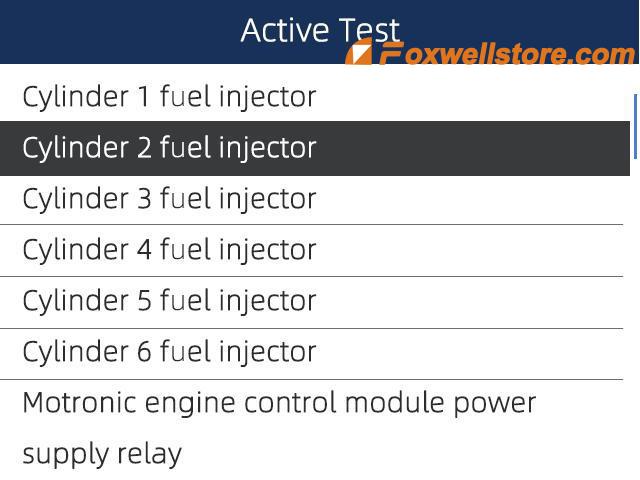
As an outstanding OBD2 product from Foxwell Professional Scanners, Foxwell NT510 Elite has the 11 main powerful functions, for example, reading and erasing error codes, reading record graph live sensor data, freeze frame data, ABS bleeding Anti-lock Braking System Device Reset Tool, SRS Airbag Device Reset Tool etc. Such an ideal professional scanner with cost-effective price and high quality. This tech article will focus on providing specific procedures on how to perform vehicle active tests using the Foxwell NT510 Elite Professional Scanner. Before the actual test, let’s first get to know more about the meaning of the actual test? What does this concept exactly mean? Active Tests, also known as Actuator Tests, are bi-directional diagnostic tests on vehicle systems and components. The tests let you use the scanner to temporarily activate or control a vehicle system or component, and when you exit the test, the system/component returns to normal operation. Some tests display command t...

How to use Foxwell NT530 to do a quick scan for Ford Expedition

Image
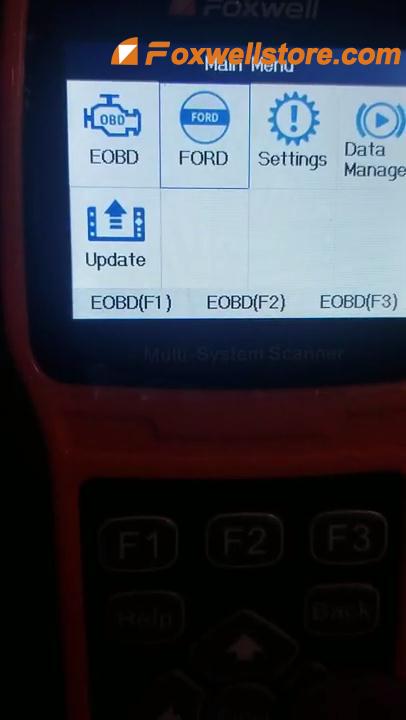
This tech article will help customers who have purchased Foxwell NT530 do a quick scan for FORD vehicle. How to do it exactly? Read on and follow the instruction below, you will make it. Detailed Operation Procedures: Enter into “Main Menu” of this unit<<Press “FORD”<<“Smart VIN The screen prompts the message “Confirm vehicle profile”, press YES to continue. Wait a few seconds to wait until it finishes loading data. It will come to a “Function Menu”, four options are listed up there. Choose “Quick Scan” to move on. Then the tool will start the “Quick Scan” process automatically. Here, for this test, there are 47 modules of the car are being quick scanning. This may take a little long while to finish this process. No choice, but to wait. Do keep this in mind that when you do the quick scanning of your car, ensure the engine search and dashboard light is on. The scanning process is done. One fault code of the car’s powertrain control module is displayed on the screen. Let’s ...

Top 3 Foxwell Automotive Service Tools Review 2020

Image
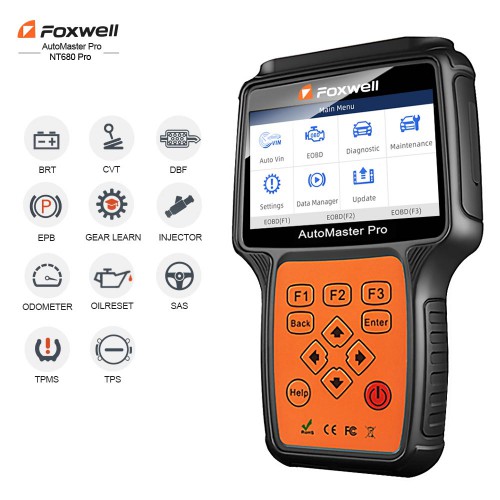
Foxwell Automotive Service Tools have current hot-sale representative products such as NT680 Pro , NT680 Lite and NT630 Plus . They can be viewed as the top 3 Foxwell Automotive Service Tools this year by virtue of their multi-application service, high performance, reliable user experience, high-quality hardware, and etc. Continuous efforts as Foxwell devotes to provide the customers with accurate, fast and highly-efficient professional diagnostic scanners. In the following part, this article will make a comprehensive review of the Top 3 Foxwell Automotive Service Tools in 2020. Top 1. Foxwell NT680 Pro Automotive Service Tool: As the upgraded version of NT644 Pro, Foxwell NT680 Pro is a professional level diagnostic handheld tool that can offer comprehensive system coverage for a vast array of car manufacturers. It is such an All-System & All-make professional OBD2 scanner that provides easy diagnosis on more than 70 vehicle makes, including the latest 2019/2020 models. Such sp...

How to fix Foxwell NT650 Elite "Stuck in Boot Interface" Error

Image
Some customers have purchased Foxwell NT650 Elite and gave mostly positive feedbacks on working so well on their cars. But in recent days, some of them contacted the staff of the customer service of Foxwellstore and posted a serious problem when using this device.   Let' see what the problem exactly is and help them find out the reason and then provide a satisfied solution.   Problem customer encountered: Just getting NT650 Elite home to diagnose my car for about two months, recently, a problem occurred that I tried many ways to fix it. But it just didn't work. The device kept stuck in the boot interface and there is nothing I can do with it. What the hell is going on? Anyone could give me any help, I would appreciate it! Solution technical engineer of Foxwellstore provided: The reason why the problem of "stuck in boot interface" would occur is that the SD card's boot-loader breaks down, leading to the NT650 Elite can't start up normally.   What customers ha...

Foxwell NT650 Professional OBD2 Scaner FAQs

Image
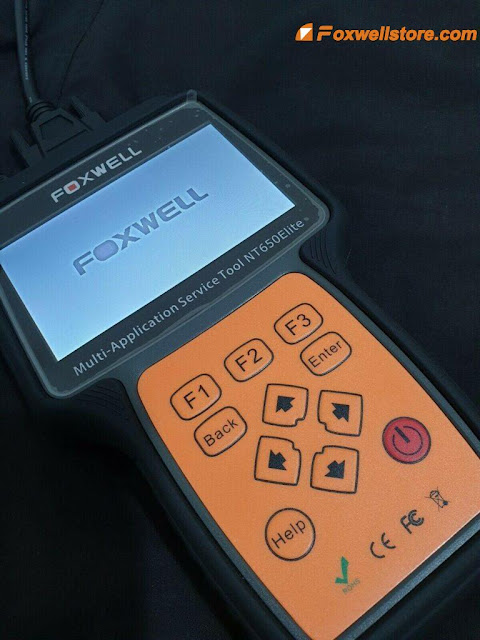
 As an international OBD2 scanning tool, Foxwell NT650 offers multilingual support, and more importantly, is compatible with a range of Asia-based and EU-based vehicles. It will work on most models built after 1996, only if they have an OBD2 service port. The model guarantees a bug-free experience for users, thanks to its detailed presentation and wide range of services offered. It can detect and clear engine faults, thanks to the full range of OBD2 services provided. The Foxwell NT650 scanner features a rubberized coat which works to protect it against damage in the event the scanner is mishandled. The model has a wide LCD screen for clear data presentation, which it carries out in multiple ways that includes both graphical and textual diagnostic reports. Q1: Does the NT650 support TPMS services for imported trucks? A1: Provided your truck is compatible with OBD2, the NT650 will offer a range of basic and advanced diagnostic services. Q2: Can this NT650 reset airbag lights? If s...

How to test Car Battery using Foxwell BT100 Battery Analyzer

Image
I love to work on my cars by myself. Have bought Foxwell BT100 for almost three weeks and devoted much of my spare time to figuring out how to use it well for my car. I finally make it and can’t wait to share with you guys my personal experience of how to test car batteries using this device. Before today’s testing instruction, I’d like to do a small introduction of this professional service tool from Foxwell. The latest BT100 12 Volt Battery Analyzer from Foxwell is dedicatedly developed to test 12V regular flooded, AGM flat plate, AGM spiral, and gel batteries. It provides a quick, easy, and affordable solution for technicians to view battery charging status, check battery health, and detect faults. Very well, let’s get started for today’s battery test. Detailed Testing Procedure: 1. Press the ENTER button to start the test. BAT. LOCATION Menu will display. 2. Scroll with the UP or DOWN button to highlight OUT OF VEHICLE or IN VEHICLE from the BATTERY LOCATION menu and press ENTER t...