Foxwell GT60 “Settings” Application: Meet Your Best Needs?
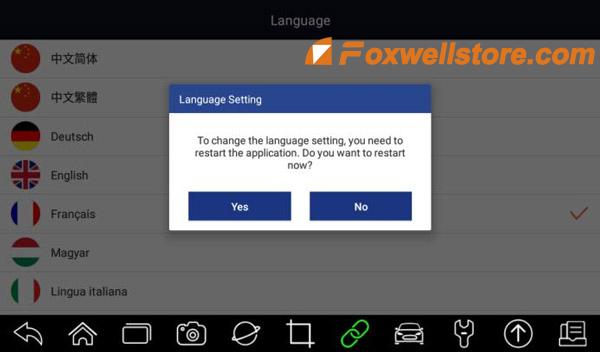
This tech article aims to illustrate how to perform “Settings” of Foxwell GT60 Diagnostic Platform to meet customers’ specific needs. When the Settings application is selected, a menu with available service options displays. Menu options Mainly include: <1>Unit <2> Language <3>Push Message <4>Automatic Update <5>Uninstall Vehicle Software <6>Print Settings Let’s move on to learn the specific settings of each part. How to Change Units? Selecting Unit opens a dialog box that allows you to choose between Imperial customary or metric units of measure. To change the unit setup: 1. Press Settings from the home screen of the GT60 diagnostic application. 2. Press Unit and available unit system display. 3. Select a unit system. How to select proper language? Select Language opens a screen that allows you to choose a system language. Got the steps to configure system language: 1. Press Settings from the home screen of the GT60 diagnostic application and selec...